
| view 👀:16 |
🙍 oneddl |
redaktor: FreshWap.CC | Rating👍:
Quick & Dirty Photocopy Effects in Photoshop
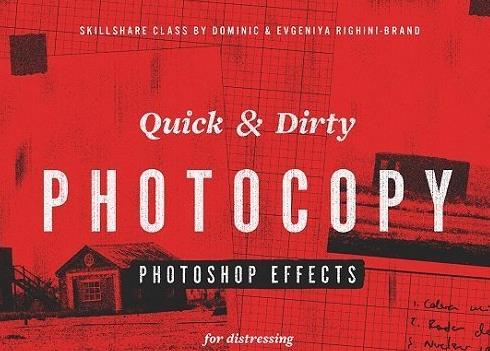
Quick & Dirty Photocopy Effects in Photoshop
Home Page
https://www.skillshare.com/classes/Quick-Dirty-Photocopy-Effects-in-Adobe-Photoshop/1983022561
Genre / Category:Photoshop Tutorials
File Size :488MB
Product Details Add a retro lo-fi print aesthetics to your work by imitating a photocopy look with our special technique for distressing all sorts of graphics & creating unique gritty textures in Adobe Photoshop.
This technique is based on a Photoshop Smart Filters combination which we have developed to be able to easily distress any type of graphics without any additional materials. This class is not about using the pre-existing Photocopy filter in Photoshop! Instead you'll be learning how to use a few different non-destructive filters to create a range of looks and textures, which can be adjusted and customised to suit any purpose!
This technique is designed for graphic designers, hand-letterers, illustrators & photographers and it is super handy when designing posters, t-shirt prints, working on editorial projects and creating zines, or when you just want your work to look a little less digital!
Using this technique you will be able to easily and quickly distress:
— typographic & lettering compositions;
— logotypes;
— graphics;
— drawings;
— illustrations;
— photographs;
— and create a number of unique gritty textures.

.html

https://rapidgator.net/file/3411beea7418725dc6e8d4e2241102ab/qegpn....Q.rar.html
Links are Interchangeable - No Password - Single Extraction
⚠️ Dead Link ?
You may submit a re-upload request using the search feature.
All requests are reviewed in accordance with our Content Policy.
Comments (0)
Users of Guests are not allowed to comment this publication.